Small Superscript Text Generator: Create Tiny Raised Text Easily
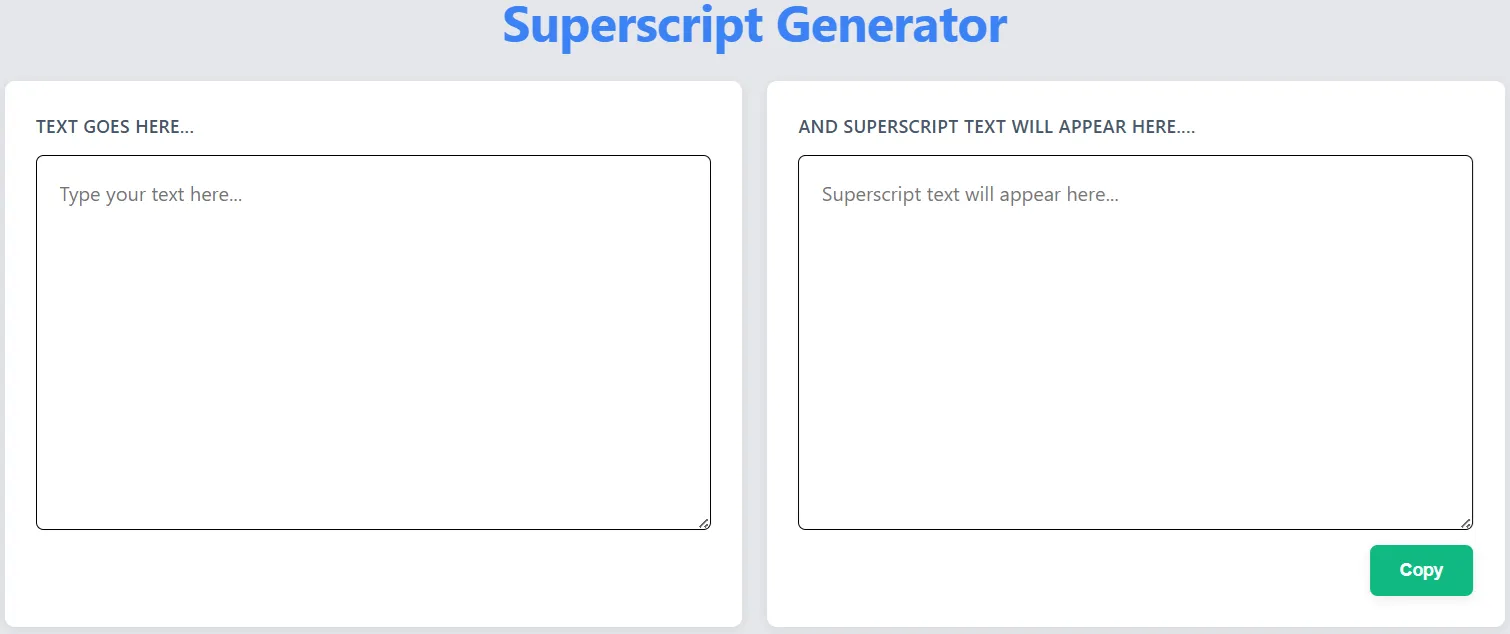
Small superscript text has this charming, almost magical quality to it. It adds elegance, a hint of mystery, and instantly makes any content more visually interesting. Whether you're designing a logo, sprucing up a social media post, or brainstorming a unique username, our small superscript generator lets you create that perfect tiny raised text that naturally catches the eye.
How to Use Small Superscript Without Overdoing It
Like all good design, small superscript text works best when it's balanced. Used thoughtfully, it creates a natural flow that guides your reader's eye. But here's the thing - a little goes a long way. Too much small superscript can make your text feel cluttered and tough to read. Think of it like seasoning: just enough to enhance the flavor, not overpower it. Aim for subtlety, and you'll create a much more pleasing reading experience.
Visual Comparison: Small Superscript vs. Standard vs. Regular Text
Let's break down the differences between these text styles:
- Regular Text: The standard text we all use every day - clear, easy to read, and gets the job done
- Standard Superscript: The familiar raised text you see in math problems (like x² for x squared) - usually about 70-80% the size of regular text
- Small Superscript: The tiny, extra-compact raised text that's all about style - only 40-60% the size of regular text, and designed to look cool rather than just being functional
When used together, these text styles create a dynamic visual experience that can make your content stand out.
Cross-Platform Testing Results: Where Does Small Superscript Work Best?
We tested small superscript text on a bunch of different devices and platforms to see how it holds up:
| Platform | Display Quality | Notes |
|---|---|---|
| iOS (iPhone/iPad) | Excellent | Perfect rendering across all apps |
| Android | Good | May vary slightly by device |
| Windows | Very Good | Perfect in modern browsers |
| macOS | Excellent | Flawless across all applications |
| Social Media (Facebook/Instagram) | Good | May be compressed in some contexts |
How to Create Great Small Superscript Text
Our generator makes it easy to create awesome small superscript text, but here are a few tips to help you get the best results:
- Start with simple text - long or complicated words don't look great in tiny superscript
- Head over to our Superscript Generator and type in your text
- Try out different variations - our generator gives you several options to choose from
- Test it on different devices to make sure it's easy to read everywhere
- Play with spacing around the superscript to make it look balanced
Fun Ways to Use Small Superscript Text
Small superscript text is surprisingly versatile - here are just a few creative ways to use it:
- Digital Art: Add tiny, subtle details to posters, flyers, or digital paintings for an extra layer of interest
- Branding: Create unique logos or brand elements that stand out from the crowd
- Social Media: Make your bios, captions, and hashtags pop with a little tiny text
- Gaming: Design a username that's totally unique and sets you apart from other players
- Email Signatures: Add a touch of elegance to your professional emails without being over-the-top
Tips for Making Small Superscript Easy to Read
The trickiest part about small superscript text is keeping it readable. Here's what we've learned works best:
- Contrast matters - light backgrounds make small superscript easier to read
- Stick to short words - long words get too squished and hard to decipher
- Give it some breathing room - extra spacing between characters helps
- Don't use it for important info - save it for decorative touches, not critical details
Real-World Examples of Awesome Small Superscript
Let's check out some cool ways people have used small superscript in real projects:
- Minimalist Logo Design: The brand "Elevateₓ" uses a tiny superscript x to suggest upward movement and a touch of sophistication
- Music Festival Poster: A local music festival used small superscript to list lineup details in a way that saved space but still looked elegant
- Social Media Hashtag: A skincare brand created buzz with their hashtag #GlowUpₛᵏⁱⁿ, using small superscript to make it stand out
Pro Tips for Using Small Superscript Like a Pro
- Don't overdo it with other effects - too many bells and whistles get overwhelming
- Be consistent with your styling across all your content
- Think about where you're using it - what works for social media might look weird in a formal document
- Try different fonts - some work way better with small superscript than others
- Keep it simple - remember, less is usually more when it comes to tiny text
Ready to Try Small Superscript for Yourself?
Small superscript text is here to stay, and it's only getting more popular as creators look for new ways to make their content stand out. Whether you're working on a social media post, a logo, or just having fun with text, our small superscript generator makes it easy to create that perfect tiny text effect. So why not give it a try? Head over to our Superscript Generator and start creating beautiful small superscript text today. The possibilities are endless, and the results might just surprise you!